

Merge tags are {{ placeholder }} tokens you embed in template content. At render time, you supply values for each tag and the Render API substitutes them before returning the output.
Tag syntax
Merge tags use double curly braces:
Hello {{ name }}, your plan is {{ plan_label }}.Spaces inside the braces are optional but recommended for readability: {{ name }} and {{name}} are both valid.
Tag types
Three tag types are supported, each applied to different parts of the template and escaped differently.
text — inline content
Use text tags for any visible copy: headings, paragraphs, list items, button labels.
Escaping: HTML-escaped. Characters like <, >, &, " are converted to their HTML entities to prevent injection.
merge_tags: {
  text: {
    name: "Noruwa",
    company: "Maildeno",
    reset_name: "Password",
  },
}
Inserts into template content like:
Hi {{ name }}, welcome to {{ company }}.
Click the {{ reset_name }} Reset button below.
url — links and image sources
Use url tags for any href or src attribute in the template.
Escaping: URL percent-encoded. Ensures safe URL characters regardless of the input string.
merge_tags: {
  url: {
    reset_url:    "https://app.example.com/reset/abc123",
    banner_image: "https://cdn.example.com/banners/promo.jpg",
  },
}Inserting merge tags in the editor
-
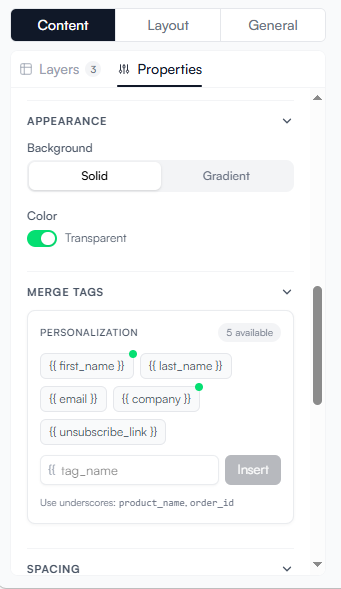
Select a text block or attribute field in the settings panel.
-
On the block panel, you will see a section for inserting merge tags or type {{ on the Rich Text Editor and a toolbar to insert merge tags will be shown.
-
Type the tag name and confirm.
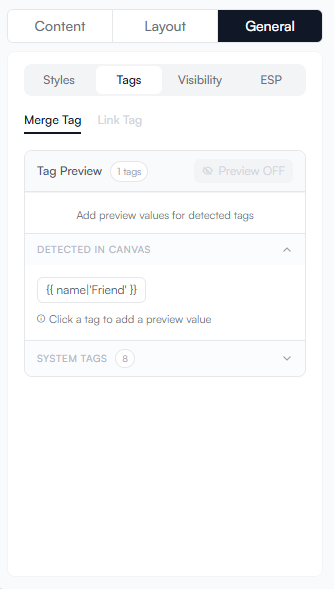
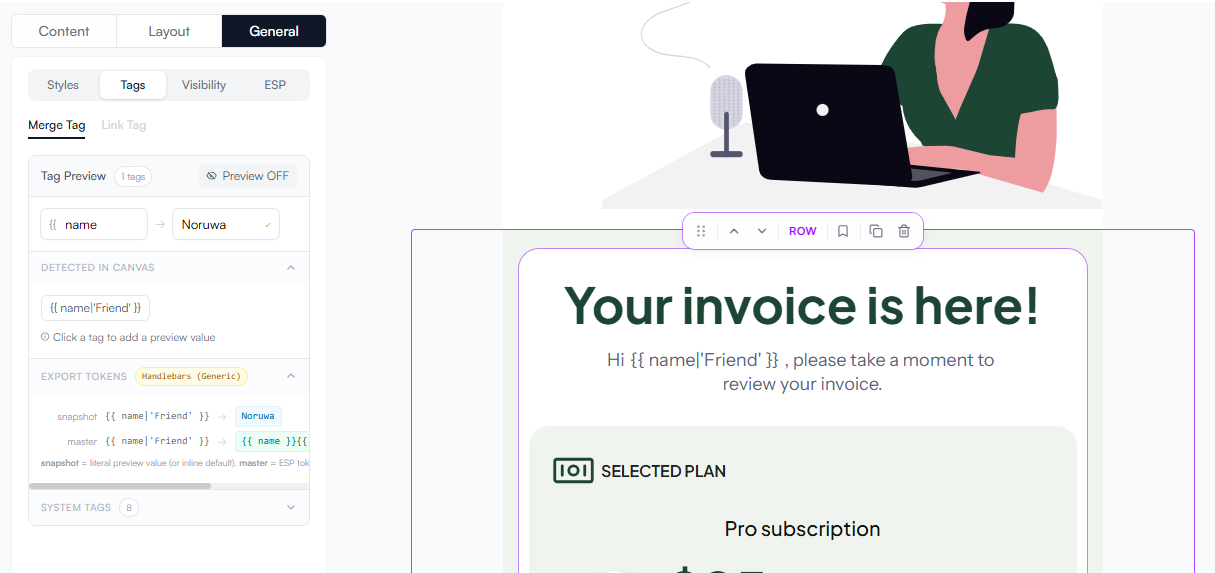
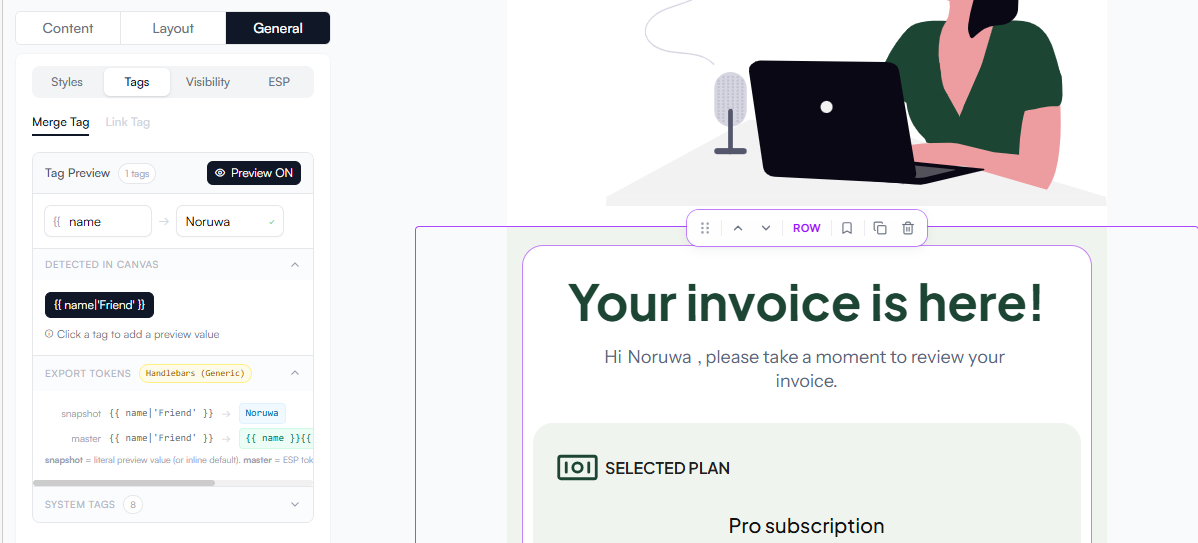
The editor shows merge tags with symbol {{ }} so they’re easy to spot.
Missing and extra tags
| Scenario | Behaviour |
|---|---|
A merge tag is in the template but not supplied at render time |
The tag renders as an empty string (no error). |
A value is supplied for a tag that does not appear in the template |
It is silently ignored. |
A |
The HTML is escaped — it will appear as literal characters, not rendered markup. Use the |
Full example
-
JavaScript
-
Python
await client.render({
  templateId: "550e8400-e29b-41d4-a716-446655440000",
  target: "html",
  dynamicData: {
    merge_tags: {
      text: {
        name:       "Noruwa",
        company:    "Maildeno",
        reset_name: "Password",
      },
      url: {
        reset_url:    "https://app.example.com/reset/abc123",
        banner_image: "https://cdn.example.com/banner.jpg",
      },
      attr: {
        alt_text: "Cave image",
      },
    },
  },
})
client.render(
template_id="550e8400-e29b-41d4-a716-446655440000",
target="html",
dynamic_data={
"merge_tags": {
"text": {
"name": "Noruwa",
"company": "Maildeno",
"reset_name": "Password",
},
"url": {
"reset_url": "https://app.example.com/reset/abc123",
"banner_image": "https://cdn.example.com/banner.jpg",
},
"attr": {
"alt_text": "Cave image",
},
},
},
)